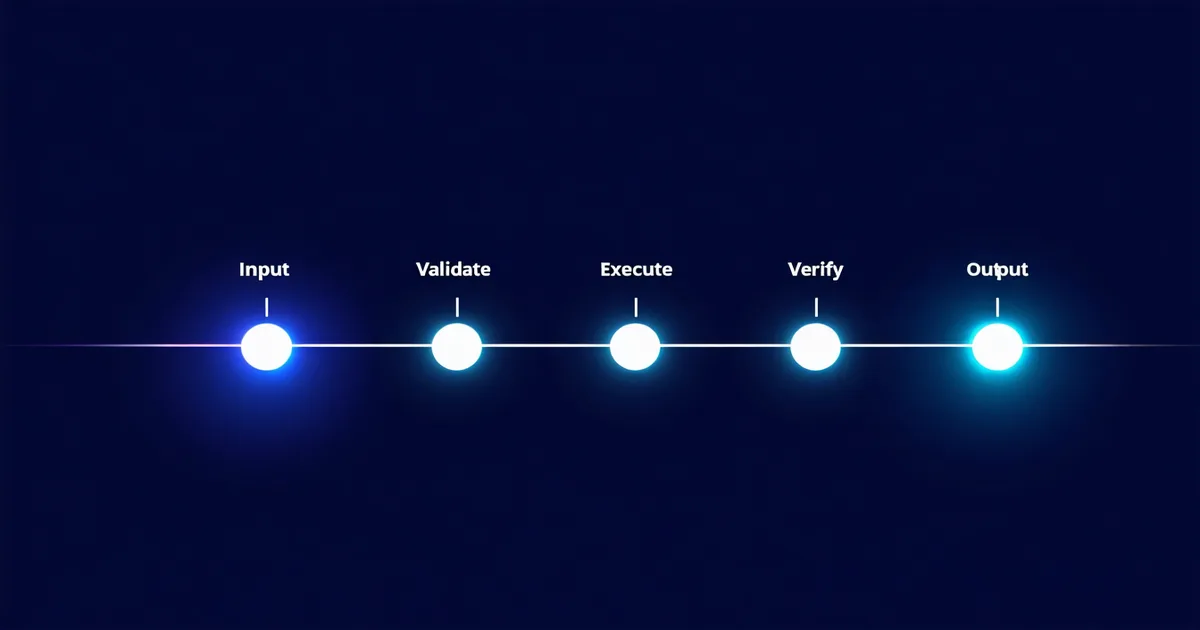
The gap between an agent that works and an agent that keeps working is not about the LLM you chose or the tool framework you're using. It's about whether you thought carefully, before the first production deployment, about what happens when each component fails. Most agent pipelines in production today were written by people who were focused on the happy path. The reliability misses are predictable and consistent.
This is not a theoretical framework article. It's a working checklist drawn from building and operating production agent pipelines — the things we check before we'd consider any agent system production-ready. It's organized by the layer where failures occur, not by importance, because all of these matter.
Input and Idempotency Layer
1. Idempotency guards on all write operations. If your agent can modify state (write to a database, create a ticket, send a message), running the same agent task twice should not produce duplicate side effects. Implement idempotency keys on all write tool calls. If a run fails mid-execution and is retried, the second run should detect that certain steps were already completed and skip them.
Idempotency is not optional for any agent that takes real-world actions. An incident response agent that creates a Jira ticket on the first run, crashes, and creates a second identical ticket on retry is not a reliable agent — it's a ticket-spamming system.
2. Input schema validation before the agent starts. Validate the agent's input payload against a schema before invoking the agent. This catches malformed inputs at the gate rather than mid-execution, when they're harder to debug. Input validation failures should be synchronous errors, not async agent failures.
Context and State Management Layer
3. Context budget explicitly allocated. Set a context_budget parameter on every agent. Specify the maximum number of tokens that can be consumed by tool results, retrieved memory, and conversation history combined. If you don't set this, the budget defaults to "whatever fits" — which eventually means "context overflow at the worst possible moment."
4. Working state checkpointed. For long-running agents (>60 seconds expected wall time), checkpoint intermediate state at meaningful milestones. If the agent crashes at step 14 out of 20, recovery should resume from the last checkpoint, not from step 1. Checkpointing is infrastructure work, not product work — but it's the infrastructure work that makes your product reliable.
from diaflow import Agent, Checkpoint

agent = Agent(
    name="report-generator",
    model="claude-sonnet-4-6",
    checkpointing=Checkpoint(
        strategy="milestone",          # checkpoint on explicit milestone markers
        backend="redis",               # or "postgres" for durable checkpoints
        ttl_hours=24
    )
)

# In tool implementations, mark milestones explicitly:
@tool(name="generate_section")
def generate_section(section_name: str, content: str) -> dict:
    result = {"section": section_name, "content": content}
    agent.checkpoint(key=f"section_{section_name}", value=result)
    return result

# Note: code examples are illustrative —
# actual SDK usage requires a Diaflow account.
Tool and Integration Layer
5. Tool timeout per tool, not just per run. Your agent's total run timeout is not a substitute for per-tool timeouts. A single slow tool can consume the entire run budget if not bounded individually. Set tool-level timeouts based on that tool's expected P95 response time, with headroom.
6. Tool error categories defined and handled. Not all tool errors are equal. A 429 rate limit error should trigger backoff; a 401 auth error should fail hard and alert; a 500 server error should retry; a validation error should not retry but should notify the model with the validation details. Default retry-everything behavior handles none of these correctly.
7. External API credentials rotated out of agent config. Tool authentication credentials should be resolved from a secrets store at runtime, not hardcoded in agent config. When credentials expire or are rotated, you should be able to update the secret without redeploying the agent. Any agent that has credentials baked into its deployment artifact is a credential rotation incident waiting to happen.
Output Validation Layer
8. Output schema validation on every run. Define what a valid agent output looks like as a JSON schema and validate against it before the output is consumed by downstream systems. An agent that returns {"summary": "Unable to complete task"} when the downstream system expects {"report": {...}, "confidence": 0.92, "sources": [...]} should not silently propagate that invalid output.
9. Confidence or completion flags on outputs. For agents that may produce partial results, include an explicit completion status field in the output schema. Downstream systems should not need to infer from content whether the output is complete — the agent should tell them.
10. Human-in-the-loop trigger conditions defined. Before deployment, decide explicitly: under what conditions should this agent escalate to human review rather than proceeding autonomously? Low confidence scores, certain error states, task types involving irreversible actions, regulatory-sensitive decisions — document these conditions and enforce them in the output validation layer, not just in the system prompt.
Observability Layer
11. Every run emits a trace. Every agent execution should produce a structured trace record (as described in our observability post) that includes run ID, model, step count, token cost, completion status, and a per-step breakdown. This is not optional for production agents — without it, you cannot do post-incident analysis.
12. Eval harness runs before every deployment. Define a set of golden-path test cases and run them against the agent before every deployment. Not unit tests — end-to-end runs with known expected outputs. If the eval pass rate drops below your threshold (typically 90%+ for golden-path cases), block the deployment.
Model Selection and Pinning
Two additional items that belong in any production pipeline checklist, often overlooked until they cause an incident:
11b. Model pinned to explicit version. Using a model alias like claude-sonnet-latest or gpt-5-turbo means your agent's behavior can change without a deployment on your end. Pin to a specific model version in production (e.g., claude-sonnet-4-6, claude-opus-4-7) and validate that behavior against your eval harness when upgrading. The performance improvements in a new model version may be real, but so can the behavior changes that break your tool-calling assumptions.
11c. Temperature and sampling parameters locked. Non-determinism is inherent to LLMs, but the degree of non-determinism is configurable. For production pipelines doing structured tasks (data extraction, classification, tool call selection), use temperature 0 or near-0. For pipelines that benefit from diverse output (brainstorming, ideation), use higher temperature but set an explicit seed when available. Don't leave temperature unset — the provider default may not match your intended behavior.
The Checklist Is Not the Point
Twelve (plus two) items is a lot. The point is not to make agent development feel bureaucratic — it's to make the reliability expectations explicit. Every experienced engineering team building non-agentic services has equivalent checklists; they're just so internalized they don't think of them as checklists anymore.
We're not saying all twelve need to be implemented before you ship your first agent. We're saying each item on this list represents a category of production incident that will happen eventually if you skip it. Prioritize by risk surface: start with hard ceilings (item 3, step limits), output validation (item 8), and tool error handling (item 6). Those three, implemented well, prevent the majority of the production failures we've seen.
Reliability in agent systems is not a property of the model. It's a property of the system you build around the model. The checklist is the system design.
The code examples in this post are illustrative of Diaflow SDK patterns. Actual implementation requires a Diaflow account and may differ from preview API shapes. See our documentation for current SDK reference.